
How the ZenGo Referral Bonus Works
Related on Couponsuck
QQapital Sign Up Bonus Promo | $25 code: j73xm3j7Money & BankingTTornado Brokerage Referral Code | $10-1000 free upon signup with linkMoney & BankingAffiliate link: we may earn a commission when you use our codes.
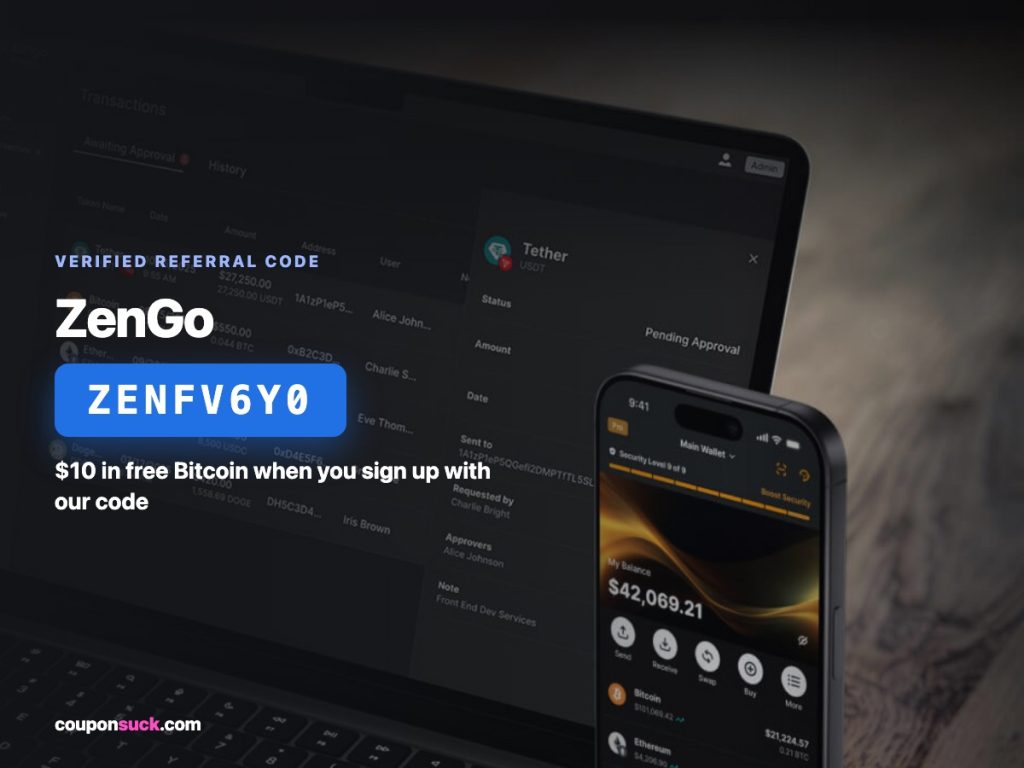
Sign up through our referral link, or download ZenGo directly and enter code ZENFV6Y0 during onboarding.
Verify your account the way any regulated crypto app requires.
Applied automatically through our link — no code needed.
Make a qualifying first purchase. ZenGo’s referral terms have required a minimum trade to unlock the bonus in the past — check the amount shown in your app’s Rewards section before you buy, since that number can change.
Your Bitcoin bonus lands in your wallet once the qualifying purchase clears.
What Is ZenGo?
ZenGo is a mobile crypto wallet built around “keyless” security — instead of handing you a seed phrase to write down and lose (or have stolen), it splits your account access using a form of encrypted key-sharing tied to your face biometrics, so there’s no single private key sitting on your phone to steal. It’s a non-custodial wallet, meaning ZenGo itself never holds your crypto; you’re the only one with access. Inside the app you can buy, sell, and hold Bitcoin, Ethereum, and a range of other coins, with 24/7 customer support built in — a rarity in crypto wallets, most of which offer little more than a help center article.
 View the current offer ↗
More Crypto Sign-Up Bonuses
Want the new-user onboarding and security angle instead of the referral-sharing angle? See our ZenGo Referral Code Signup Bonus page. For a different exchange with a bigger current bonus, check our Coinbase referral and Gemini crypto promo code pages.
Earning by Inviting Your Own Friends
Once you’re a ZenGo user, you get your own referral link to share from inside the app (look for “Invite Friends” or a similar Rewards section). Historically, ZenGo has paid referrers a cut of the platform’s commission on each friend’s trade, on top of the flat bitcoin bonus your friend gets for signing up — so it pays out twice: once when they join, and potentially again as they trade. Exact referrer terms shift over time, so treat the app’s own Rewards screen as the source of truth rather than an old percentage you saw somewhere.
Frequently Asked Questions
Is ZenGo still giving out sign-up bonuses?
Yes — as of our last check, ZenGo’s own invite page confirms an active $10 cash-back-in-Bitcoin offer for new users who sign up through a referral link.
Where do I enter the ZenGo referral code ZENFV6Y0?
Easiest is to sign up through our referral link, which applies it automatically. If you’re already in the app, look for a referral code field during onboarding or in the Rewards section.
Do I have to buy crypto to get the bonus?
Yes — the bonus is tied to a qualifying first purchase, not just account creation. Check your app’s Rewards screen for the exact amount required, since it can change.
Is ZenGo a legitimate, actively maintained app?
Yes — ZenGo is actively updated on both the App Store and Google Play, with well over a million users and regular version updates as of mid-2026.
More in Money & Banking




No code to type.
The link is the deal at ZenGo.
$10 Bitcoin Bonus — applied automatically through our ZenGo link.
Claim the ZenGo offer